
Date code inspection using OCR, OCV and print checks
Confirm that use-by, best-before, batch and lot information is present, readable and matched to the active production requirement.
How does a date code inspection system work?
A camera captures the printed area as each product passes. The inspection can confirm that a mark exists, assess defined print defects, read characters using optical character recognition (OCR), or compare them with an expected value using optical character verification (OCV). The pass/fail result is then linked to the correct product for rejection, alarm or line stop.
The right method depends on the production risk. A simple print-present decision is different from proving that the complete date or lot string matches the active job.
| Method | Question answered | Typical use |
|---|---|---|
| Print presence | Is there a mark in the expected region? | Missing-code detection where character content is not critical |
| OCR | What characters were printed? | Reading variable dates, lots, serials or line codes |
| OCV | Does the visible string match the expected value? | Recipe- or order-controlled comparison |
| Print-quality rule | Are defined characters broken, faint, smeared or displaced? | Legibility checks against agreed limits |
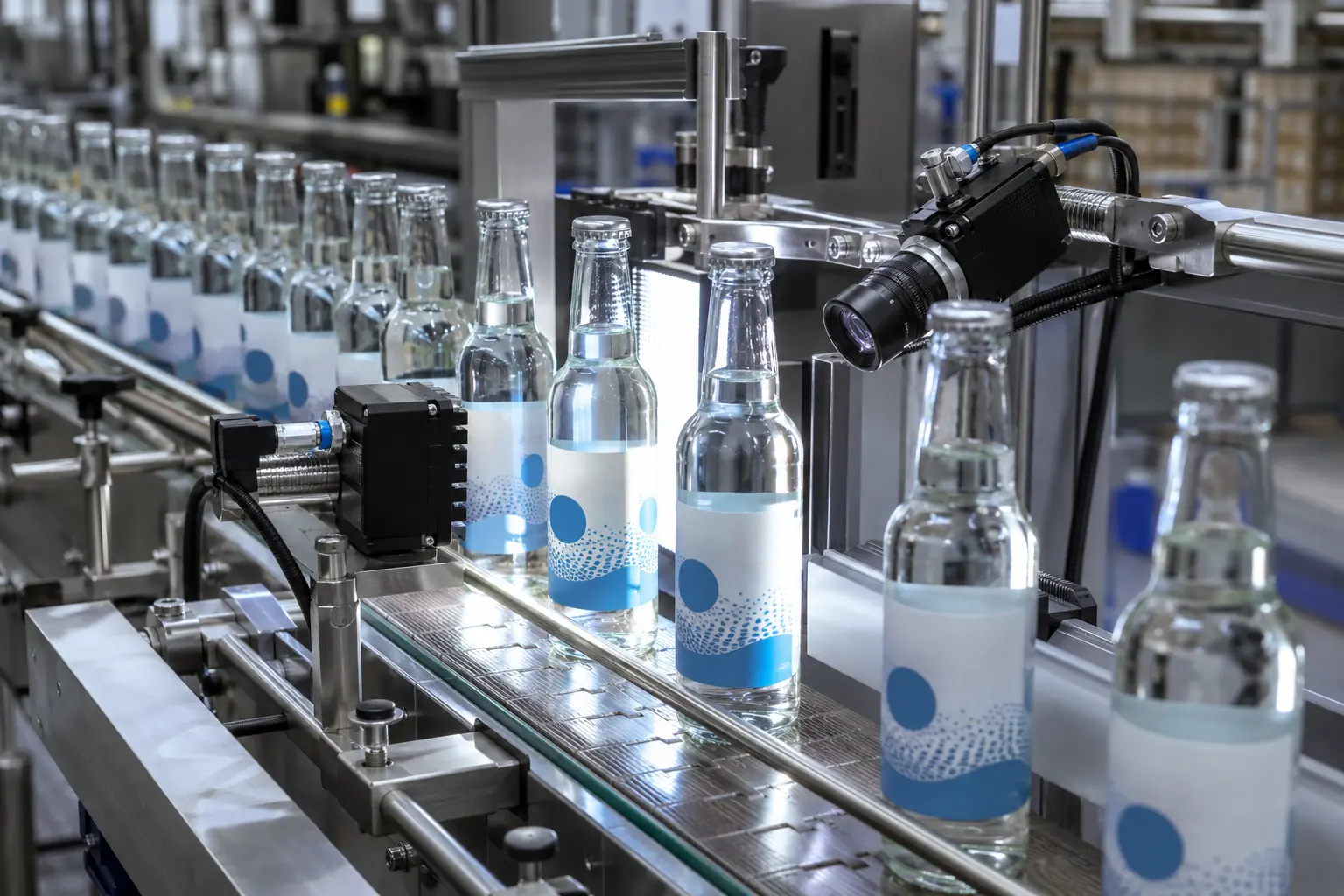
Match the camera view to the smallest character
Reliable reading depends on the visible character size, contrast, print method, substrate, motion and normal code variation.
- Inkjet, thermal-transfer and laser-marked code trials
- Dates printed on labels, cartons, sleeves, pouches or containers
- Fixed or recipe-controlled inspection regions
- Expected formats, separators and permissible characters
- No-read, missing-code and wrong-code failure states
- Optional counts, timestamps, images and failure reasons
Reading is useful; comparison finds the wrong value
To detect an incorrect date or batch, the inspection needs a trustworthy expected value and a defined rule for how it reaches the vision system.
- 01
Set the job
Use a controlled recipe, approved operator entry or agreed production-system interface.
- 02
Read and compare
Check the visible string, format and defined quality limits against the expected data.
- 03
Contain the failure
Reject, stop or alarm on a missing, unreadable or mismatched code and record the agreed result.
Date code inspection questions
What is the difference between OCR and OCV?
OCR reads visible characters and returns a value. OCV checks the printed characters against an expected value or trained reference. Some projects only need a print-presence decision.
Can the correct use-by or best-before date be checked?
Yes, when the expected date is available to the inspection and representative trials show that the characters can be read reliably at production speed.
Can a barcode and date code be checked in one station?
Often yes, when both areas are visible at the necessary resolution and contrast. Separate cameras may be more reliable when the code regions sit on different pack faces.
What samples are needed for a trial?
Provide representative good print, faint and broken characters, wrong dates or lots, every substrate and colour, the smallest character size, and realistic production speed and motion.
Send good codes, bad codes and the production format
We will assess character size, contrast, location, print variation, speed and how the expected value should reach the inspection.