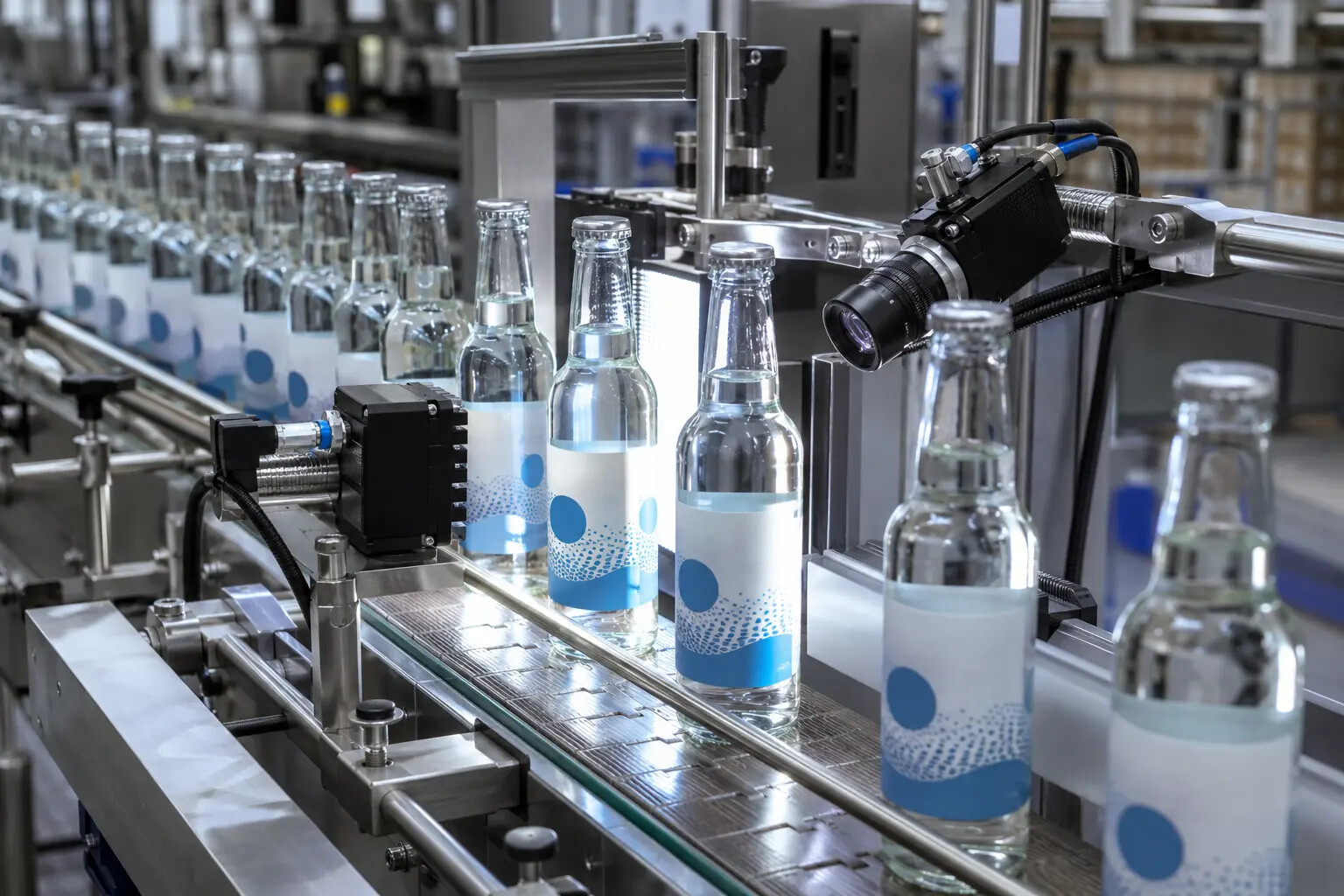
Quiet zones and position
Packaging edges, label curvature and print position must not obstruct the machine-readable symbol.
Read dates, batches, serial numbers, barcodes, QR codes and Data Matrix symbols—then compare the result with the correct product or production data.
It captures an image of every visible code or text field, reads or verifies the content, compares the result with an expected value when available, and creates a pass/fail decision. Depending on the project, the expected data may come from the active recipe, a PLC, an order record, a database or operator-entered batch information.
Using precise language prevents a basic decode check being mistaken for standards-based barcode verification or a simple print-presence check being mistaken for full character validation.
| Method | Question answered | Example |
|---|---|---|
| Print presence | Is the required print region marked? | A date code exists in the expected area |
| OCR | What characters are printed? | Read a changing lot, expiry or serial number |
| OCV | Do the characters match the expected text? | Confirm a fixed warning or active batch value |
| Code reading | What data is encoded? | Decode EAN, GS1-128, QR or Data Matrix data |
| Data validation | Does the decoded value match the correct product or record? | Compare a GTIN with the selected SKU |
| Barcode verification | Does symbol quality meet the specified standard and grade? | Measure defined ISO/IEC parameters using a suitable verifier |
A combined station is possible, but each check needs the correct pixels, lighting, expected data and failure rule.
Inspect use-by, best-before, batch, lot and serial text using print-presence, OCR or expected-value comparison.
Explore date-code inspection →1D and 2D symbolsRead supported symbols, compare decoded data with the job and distinguish no-read from wrong-code results.
Explore code verification →Records and controlDefine recipes, access, challenge tests, failed images, reports and retention around the intended use.
Explore validation support →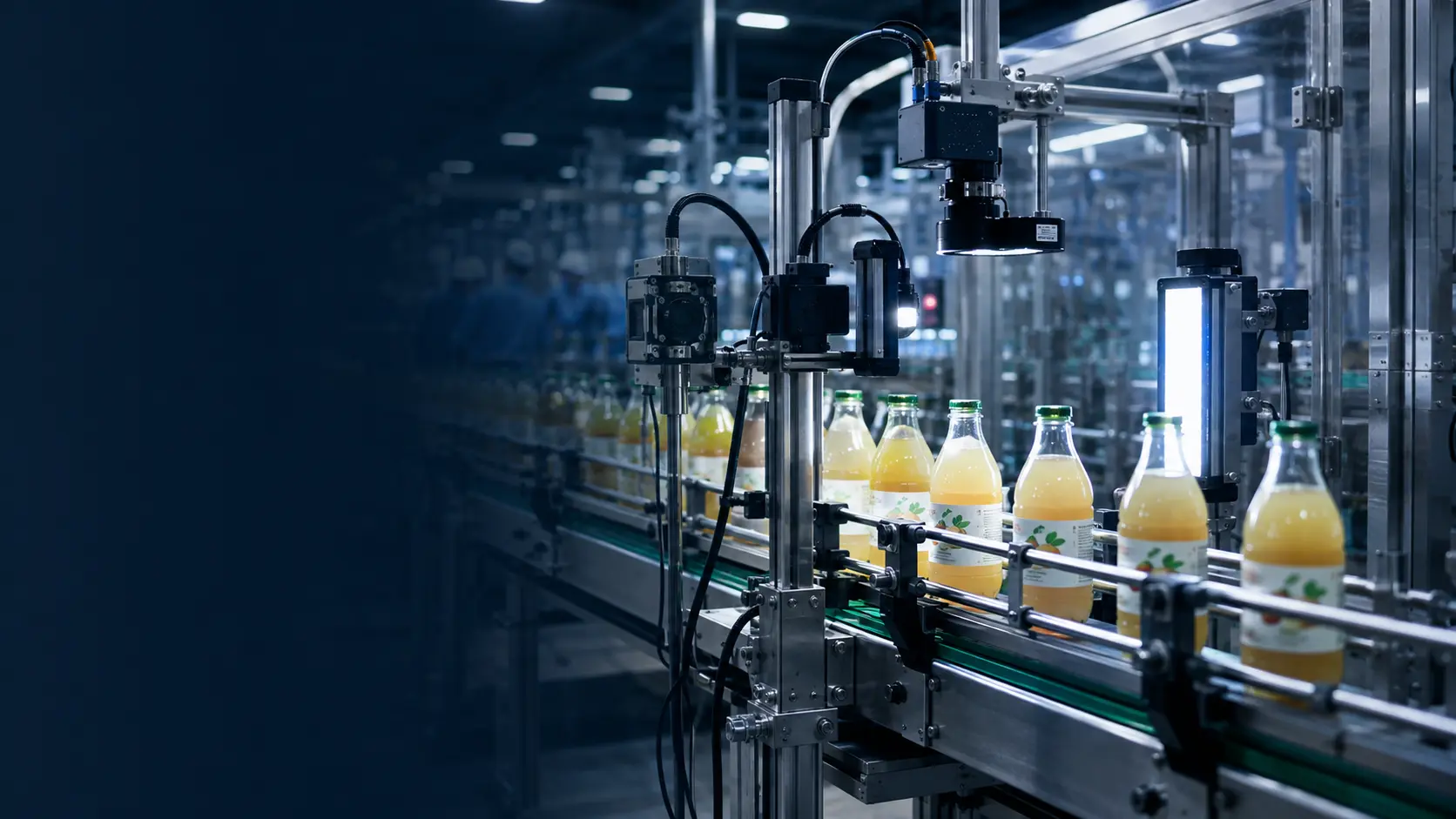
A decoded code is only useful if the system knows what the value should represent. We define the comparison logic and failure response as part of the inspection specification.
The code or character must be large and stable enough in the captured image. Trials should include the smallest code, fastest speed and least favourable normal print and packaging conditions.
Packaging edges, label curvature and print position must not obstruct the machine-readable symbol.
Bars, spaces, cells and background must create sufficient optical separation under the chosen illumination.
Exposure, triggering and product presentation must preserve sharp edges at the maximum production speed.
Comparison rules must define the correct value, format, range, sequence and response to a no-read.
GS1 states that barcode quality is affected by factors including quiet zones, contrast, colour, size, deterioration and positioning, and that compliant verification equipment measures defined parameters and produces an overall grade. See GS1’s barcode verification guidance.
OCR reads characters when the value can vary. OCV checks printed characters against a known expected value or trained reference. The right method depends on whether the system must discover the text or confirm it.
A suitable system can decode supported symbols, check syntax or expected data and monitor selected quality characteristics. Formal ISO/IEC print-quality verification must be explicitly specified and requires the appropriate method, equipment and reporting.
Yes, where the data source, interface and failure behaviour are defined. The system can compare a read value with the active SKU, batch, order or database record before releasing the pack.
A no-read can be treated as a fail, triggering reject, line stop or alarm. The required response, retry logic and result record are agreed during specification.
Include good codes, marginal examples, known failures and the exact data-comparison rules required for each product.